Notes for the web, Android, iOS, Windows, macOS and Linux
Plain notes.
Nothing else.
Jot is a quiet place to write things down. No sign-in, no server, no tracking. Notes stay on your device, open offline, show when each one was created and last updated, and can be locked behind a password.
- Accounts
- 0
- Servers
- 0
- Trackers
- 0
- Price
- $0
01
Features
Everything you need to write things down. Nothing you do not.
-
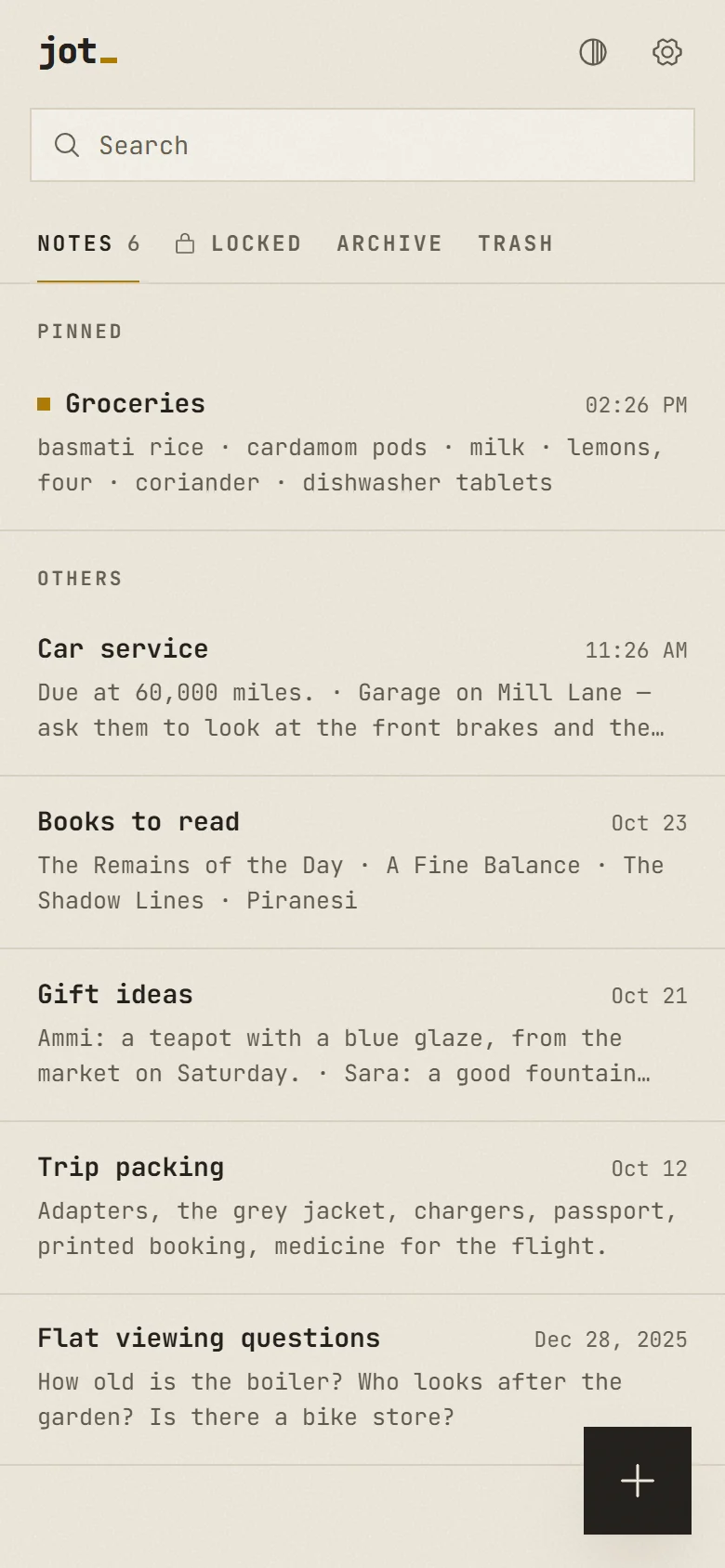
Saves as you type
No save button. Every keystroke is kept, even if you close the tab.
-
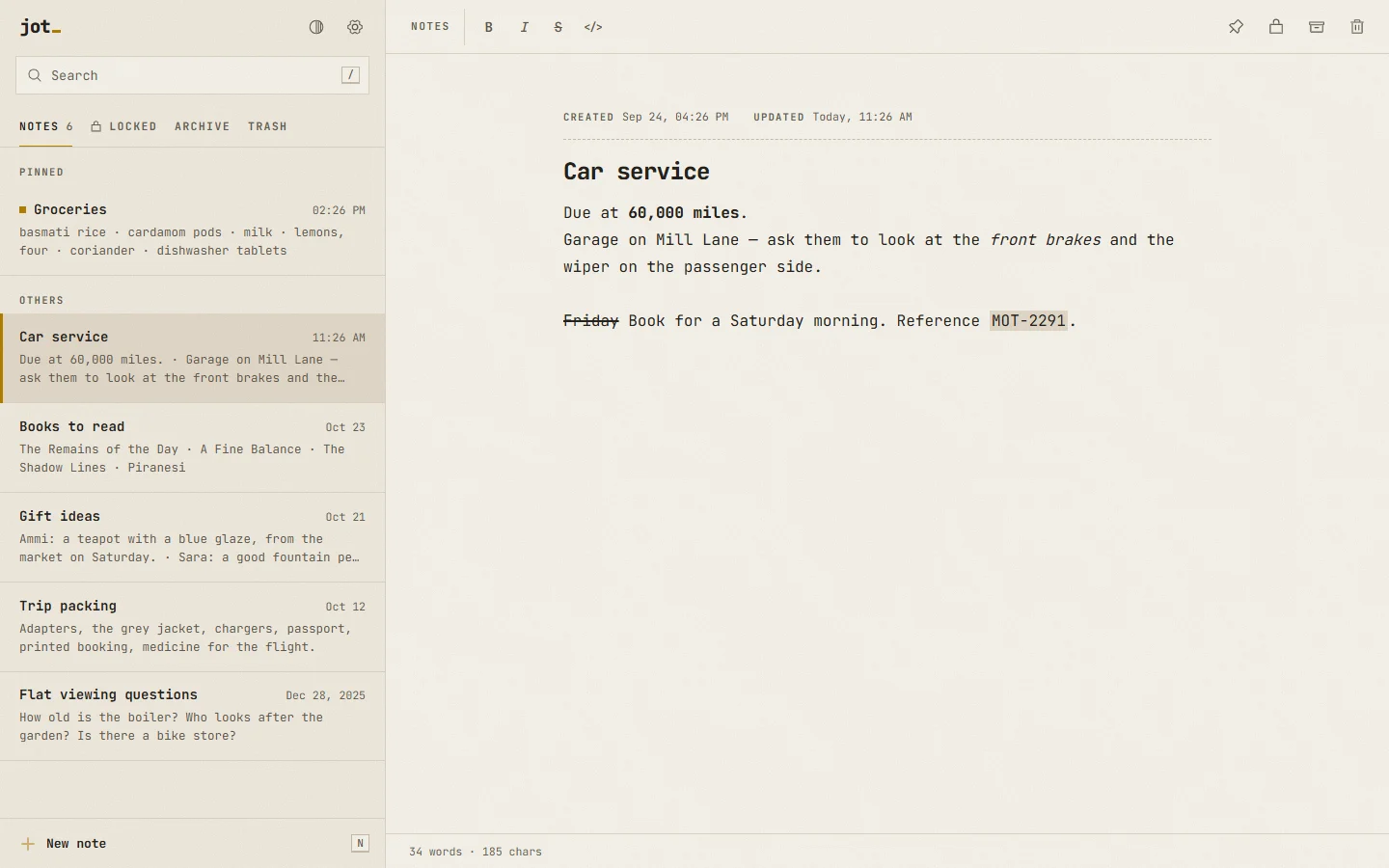
Created and updated
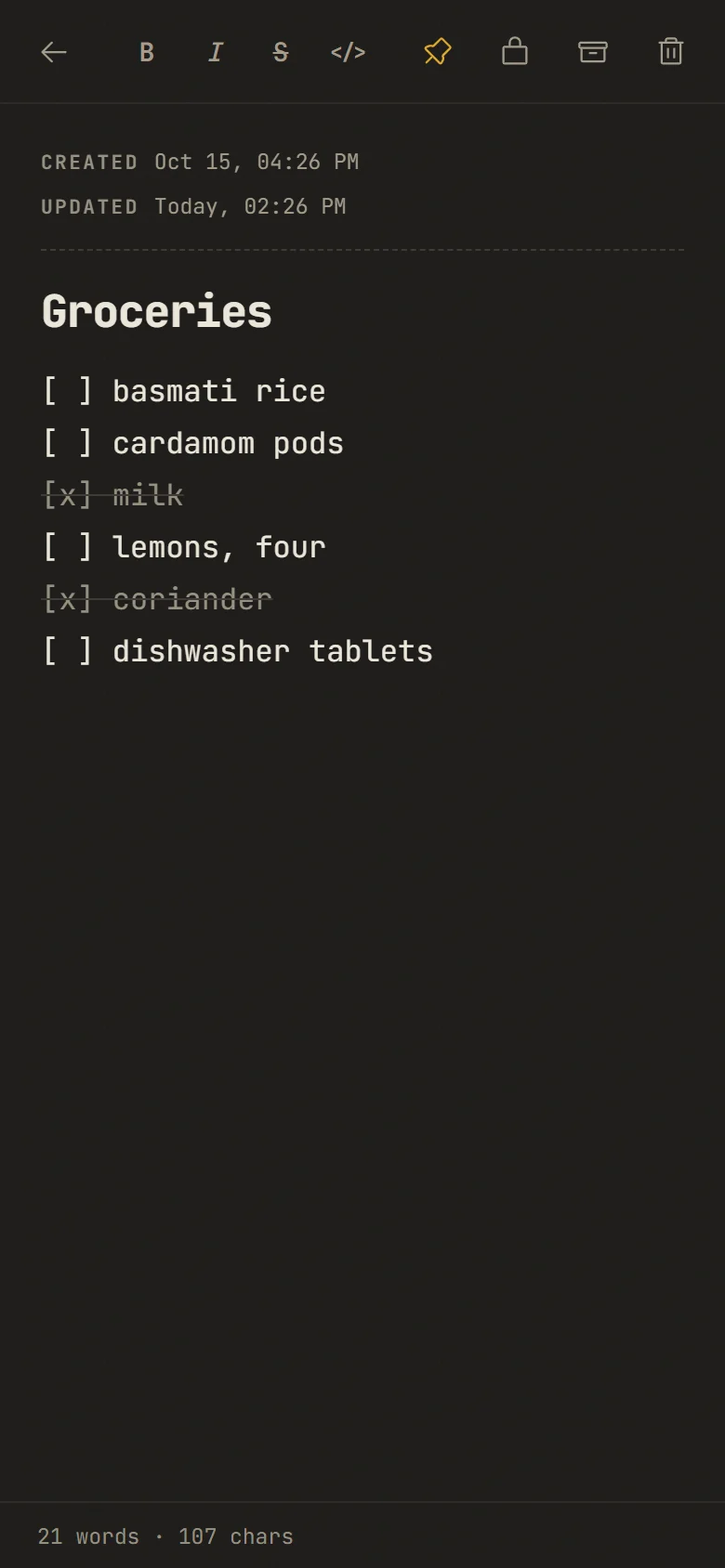
Every note shows the day and time it was made and last changed.
-
Search and pins
Find any note as you type, with every match marked. Pin the ones you need most to the top.
-
Locked notes
A tab with its own password. Notes in it are encrypted on your device and close again on their own.
-
Checklists in plain text
Start a line with [ ] and tap the box to tick it. Lists carry on when you press Enter.
-
Archive and trash
Put notes away or delete them, with an undo. The trash empties itself after 30 days.
-
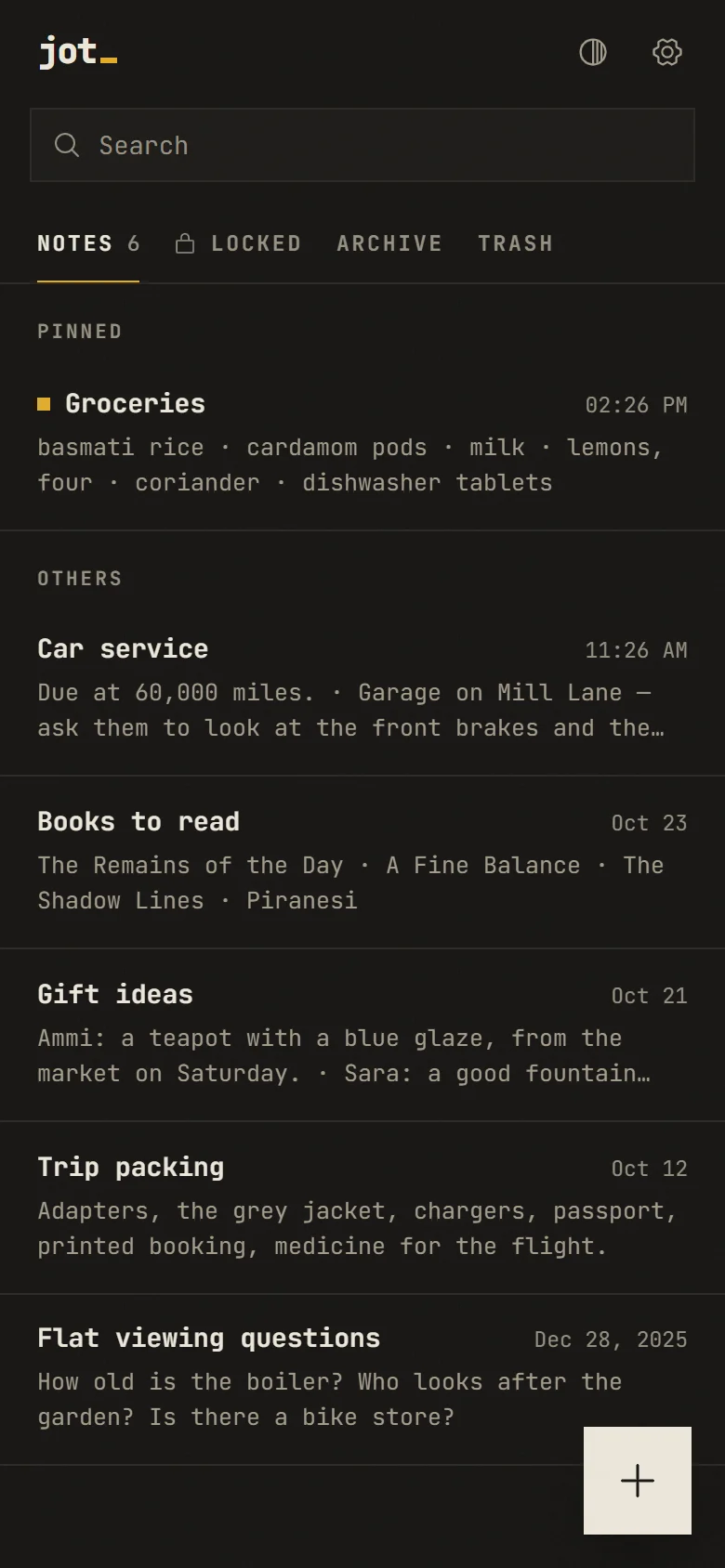
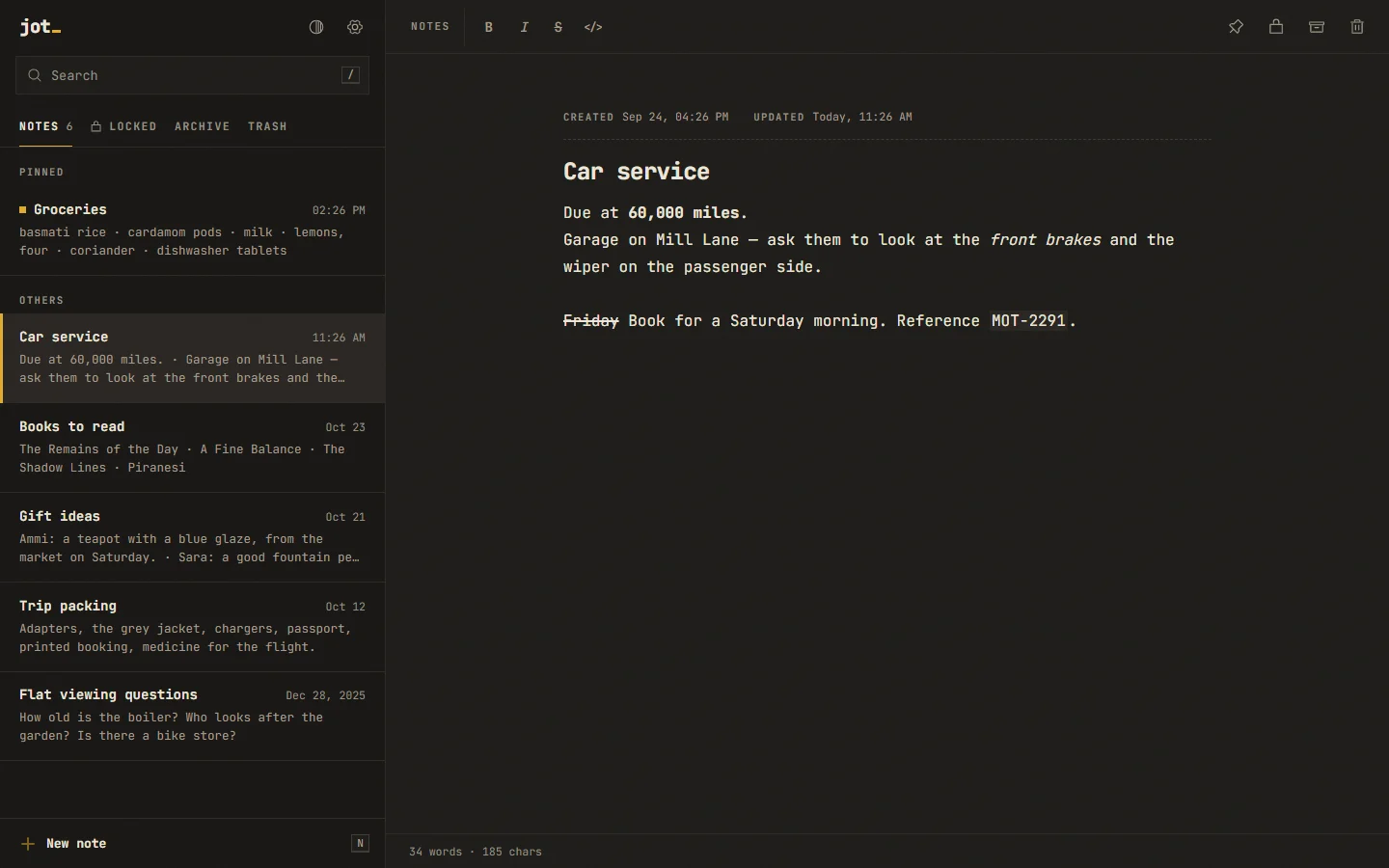
Paper, light or dark
Warm paper by day, carbon by night. It follows your phone, or pick one.
-
Bold, italic, code
Bold, italic, strike and code, shown as you type. The note stays plain text, so it moves anywhere.
-
Works offline
Install it from the browser. It opens in a blink, with or without a network.
02
On your device
There is no Jot server. There is nowhere for your notes to go.
Jot is a set of files that runs in your browser. Notes are saved in the browser's own storage on your phone or computer, and nowhere else. No account to make and nothing to sync.
That also means the notes on your phone are not on your laptop. If you want them in two places, export a file and import it on the other device.
Notes you want kept from anyone holding your phone go in Locked. They are encrypted with AES-256-GCM under a key from your password (PBKDF2, 600,000 rounds), which is never stored. Locked closes on its own after a few idle minutes.
One thing to know. Clearing the browser's data for this site deletes the notes in it. Jot asks the browser to keep them, and you can export a copy from Settings at any time.
03
Move in
Leaving Simple Notes takes about a minute.
A
Export
In Simple Notes or Fossify Notes, open Settings and tap Export notes. Save the file.
B
Import
In Jot, open Settings, tap Import and pick that file. Checklists come over as
[ ]and[x]lines.C
Tidy up
Check your notes are there, then delete the export file. Plain text files import too, one note each.
04
Get Jot
Open it in any browser, or install the app.
-
Ready
Web
Any current browser, on any computer or phone. Open it and write.
Open Jot -
App ready
Android
Download the app and open the file to install it. Android asks once to allow installs from your browser or file manager. Or install Jot from Chrome: tap ⋮, then Install app.
Android 7 and later · 64-bit and 32-bit Arm
-
App coming soon
iPhone and iPad
Open Jot in Safari, tap Share and Add to Home Screen. Use it from the home screen: there, Safari keeps your notes.
Works today from Safari, on the home screen
-
App ready
Windows
The installer sets Jot up for you, with no admin rights needed. If Windows SmartScreen asks, choose More info, then Run anyway. Or install Jot from Edge or Chrome.
Windows 10 and 11 · 64-bit
-
App coming soon
macOS
In Safari, choose File then Add to Dock. In Chrome or Edge, use the install icon in the address bar.
Works today from Safari, Chrome or Edge
-
App coming soon
Linux
Open Jot in Chrome or Chromium and click the install icon in the address bar.
Works today from Chrome or Chromium
Each install keeps its own notes. To move them, use Export and Import in Settings. Every file and version is on the releases page.
05
Questions
Short answers.
Do I need an account?
No. There is no sign-in and no account to make. Open the app and start writing.
Where are my notes kept?
In your browser's storage (IndexedDB) on the device you are using. They are never uploaded: Jot has no server to upload them to.
Can I lock some notes?
Yes. The Locked tab has its own password. Its notes are encrypted on the device, stay encrypted in exports, and close again after a few idle minutes or soon after you leave the app. There is no reset: if you forget the password, those notes cannot be opened.
Does it work without internet?
Yes. After the first visit Jot keeps itself on the device and opens offline.
How do I move notes to a new phone?
On the old phone, open Settings and tap Export. Send yourself the file, then tap Import on the new phone.
Can I get my notes out again?
Always. Export gives you one plain JSON file with every note, its title, text and both dates.
Is it really free?
Yes, and open source under the MIT licence. No ads, no tracking, nothing to buy.